Sunset City Workshop
The tools used to build Sunset City. Each opens with an example you can try straight away.
Materials
-
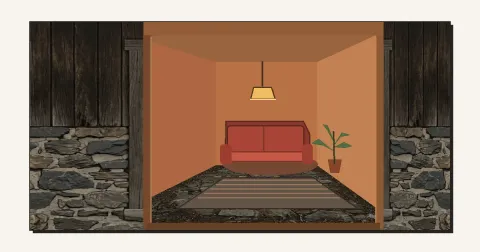 Interior Shader Generator Look through a doorway into a room that fits on a flat surface. Change its depth and export the illusion.
-
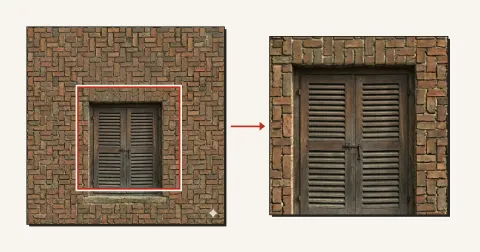 Wall Relief Generator Move the light across a brick sill to see the height map at work, then paint the relief you need.
-
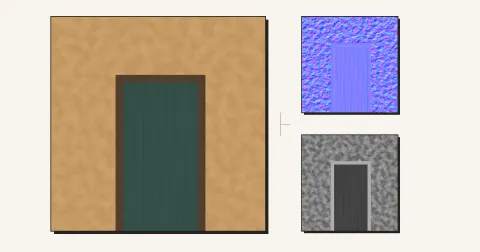 Wall Albedo Generator Shape an ochre doorway and download its color, normal and height maps.
-
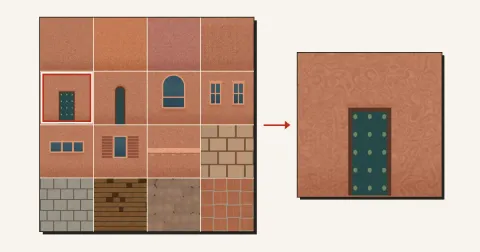 Wall Atlas Stitcher Pack a set of terracotta walls and floors into one atlas, or swap a tile for your own.
-
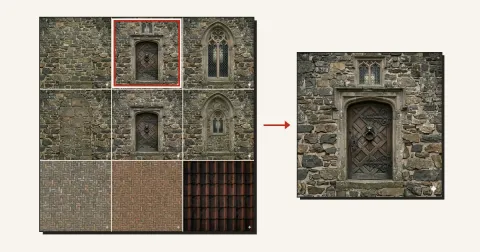 Texture Atlas Editor Inspect a stone tile set and switch between the color and normal maps. Edit a cell and export its coordinates.
Sprites, props, and levels
-
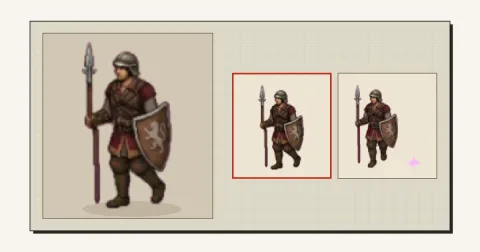 Sprite Editor Play a patrol guard’s walk cycle, change its facing direction and check how the frames align.
-
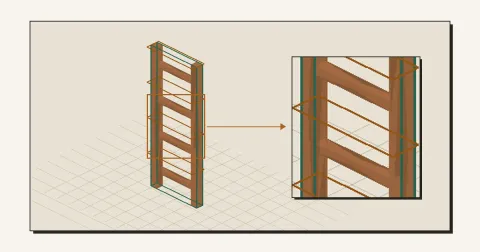 Props Viewer Orbit a game ladder and measure its dimensions with quarter-metre guides.
-
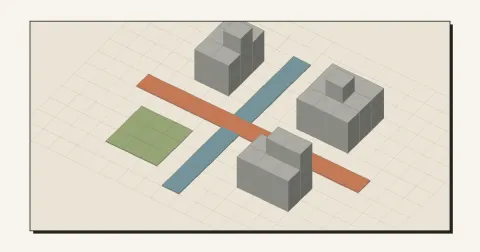 City Skeleton Editor Inspect a road tile at the market crossroads, then lay out streets, buildings and terrain.
-
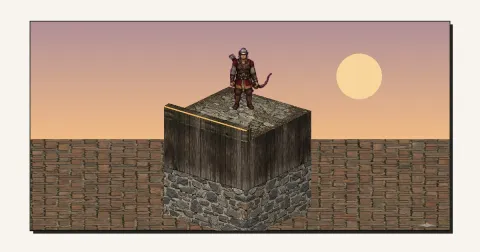 Gameplay Sandbox Use mouse and keyboard to grab a rooftop ledge or test jumps and combat in other scenes.