
Too long, didn’t read
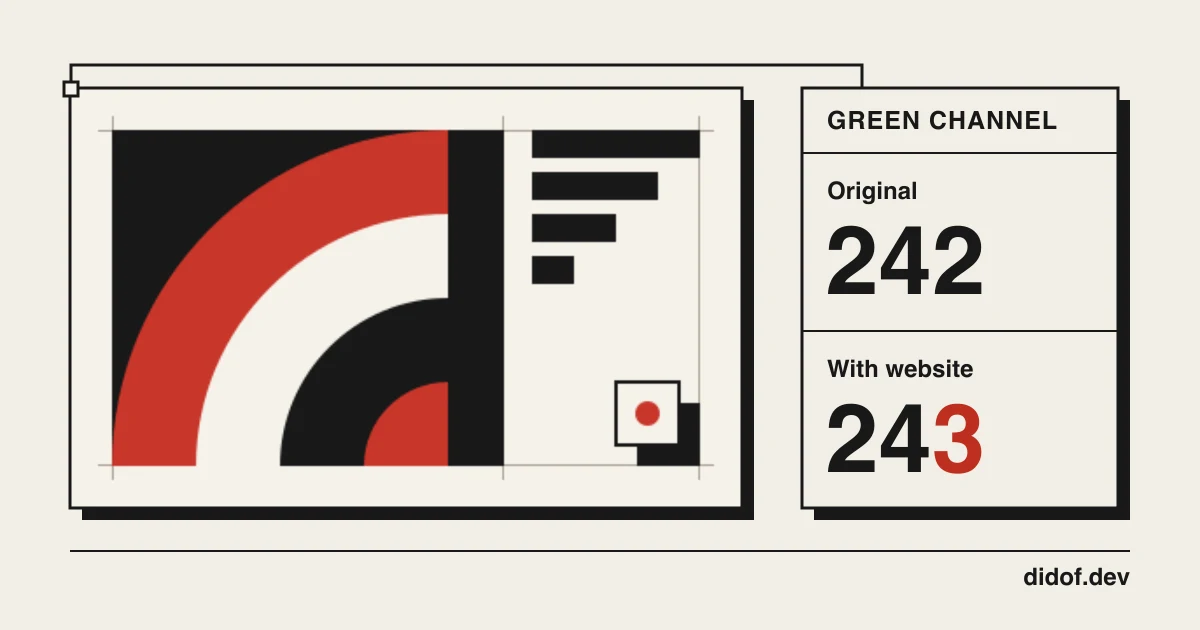
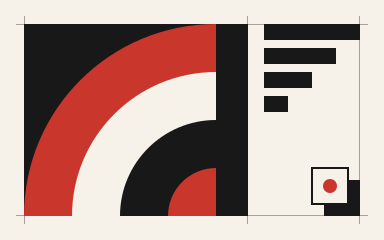
The print on the right contains a working light switch. In Site in a PNG , choose Extract the example, then Open isolated preview. Press Switch on and the lamp on the recovered page turns red. The code for the lamp and its switch came out of the picture.
Original PNG
PNG with website
Where did the picture change?
Both files are Portable Network Graphics (PNG) images. At this size the two prints look alike. The two files contain different bytes. In the second print, 6,272 color channel values differ by one level each.
Start with the top-left pixel. Its red, green, and blue (RGB) values are 246, 242, and 234. In the image with the website, green is 243. Red and blue keep their values.
Top-left pixel (0, 0)
Original
- Red
- 246
- Green
- 242
- Blue
- 234
11110010With website
- Red
- 246
- Green
- 243
- Blue
- 234
11110011Green can take any whole value from 0 to 255. It takes eight binary digits, or bits, to store that range. In 242, written as 11110010, the rightmost digit is 0. Set it to 1 and the value becomes 243. That’s the least significant bit. It contributes one level of green, so replacing it can change the channel value by at most one.
The tool needs the green bit to be a 1 because the first byte it hides encodes a capital D. That byte starts with the bits 010. The tool writes them in red, green, blue order. Red 246 and blue 234 are even, which already gives them a final 0. Green 242 is even too, so the encoder adds one to make its final bit a 1.
See the bit operation in JavaScript
const originalGreen = 242;
const payloadBit = 1;
const green = (originalGreen & 0xfe) | payloadBit;

console.log(green, green & 1); // 243 1
How those bits turn back into a site
That D starts DIDOFSTG, the signature the extractor looks for. The encoder stores it in a 24-byte header that also tells the extractor how long the filename and document are. After the header come the filename and the original Hypertext Markup Language (HTML) bytes. Light Switch carries its own styles and JavaScript inside that document. Hiding a message in an ordinary-looking image is one form of steganography. Steganography definition
The extractor starts at the same corner and reads the last bit of red, then green, then blue. It moves across the row and continues on the next. Every group of eight bits makes a byte again. Once it recognizes the header, it uses the lengths to find the document. The header holds a number calculated from the original HTML bytes. The extractor calculates the same number from the recovered bytes and checks for a match. This 32-bit cyclic redundancy check (CRC-32) catches many kinds of accidental damage. Anyone who can change the document can calculate a matching checksum for their version. Cyclic redundancy check considerations
After the check passes, Open isolated preview runs the recovered page in a sandboxed frame. That’s where its JavaScript responds to the switch. HTML standard for iframe sandboxing
Why saving the PNG keeps 243
The encoder has already changed green to 243 by the time it hands the pixels to PNG. That is the value PNG has to preserve. PNG can store its rows as reversible differences between neighboring bytes, then compress the result with DEFLATE. On reading, the decoder decompresses the rows and reverses their filters. For this PNG the writer uses the None filter, so its row bytes go into DEFLATE as they are. PNG filtering · PNG compression
The tool reads those samples directly from the file. PNG guarantees the exact recovery of its reference image, the array of samples it stored. A display path can convert colors before handing back pixel values. When one level of green carries a bit, reading the stored sample directly keeps that display step out of extraction. PNG reference image
The PNG compression guide takes one row through the reversible changes and shows where the saved space comes from.
Give the same pixels to JPEG
The local test started with the pixels from the print on the right. It saved those pixels once to a new PNG and once to an ordinary lossy Joint Photographic Experts Group (JPEG) file. Sharp wrote the JPEG at quality 90, with color samples kept at full resolution. The replay decoded both files, then passed their pixel arrays directly to the packet reader to check the same bit positions. The tool’s file picker accepts PNGs.
PNG pixels
Website recovered
JPEG pixels
Recovery failed
The new PNG had different file bytes and decoded to the same samples, including green 243. The extractor recovered all 1,691 bytes of the HTML document. At the top-left pixel of the JPEG, green stayed at 243 and red moved one level, from 246 to 247. The three bits there became 110 instead of 010.
The JPEG still looks like the same print. Across the image, the mean absolute change per color channel was 0.58 on a scale from 0 to 255. It changed 6,778 of the packet’s 13,856 bits. The extractor could no longer find DIDOFSTG, so it stopped before it had a checksum to compare.
In ordinary lossy JPEG, the encoder describes an 8 × 8 block of samples as a sum of patterns at different spatial frequencies. It divides each pattern’s coefficient by a quantization step and rounds it. Those rounded values give the decoder enough information to reconstruct a similar block. They can give a channel a different final bit when the decoder turns the block back into pixels. JPEG standard, Annex A.3.4 · How JPEG compression works
Image Compression Microscope lets you repeat that distinction with a codec and a quality setting of your choice. It embeds its own test bits and measures how many survive the actual encode and decode. Its JPEG block and PNG row panels are separate explanatory models. The numbers above come from the print that carries Light Switch.
If you want to pass the switch to someone else, send the PNG as a file. The picture and the switch can travel together as long as the recipient gets those exact low bits in order.